
When GPU size becomes a problem
The reality of modern hardware
Modern graphics cards feature massive cooling solutions to dissipate the heat generated by current-generation silicon. Often occupying three or more PCIe slots and weighing well over two kilograms, these dimensions introduce mechanical stress that older generations of hardware simply did not face.
When a heavy card is anchored only by the rear I/O bracket and the motherboard's PCIe slot, gravity acts on the unanchored side. This creates a lever effect known as "GPU sag," which causes continuous, localized stress on the hardware that can lead to permanent damage over time.
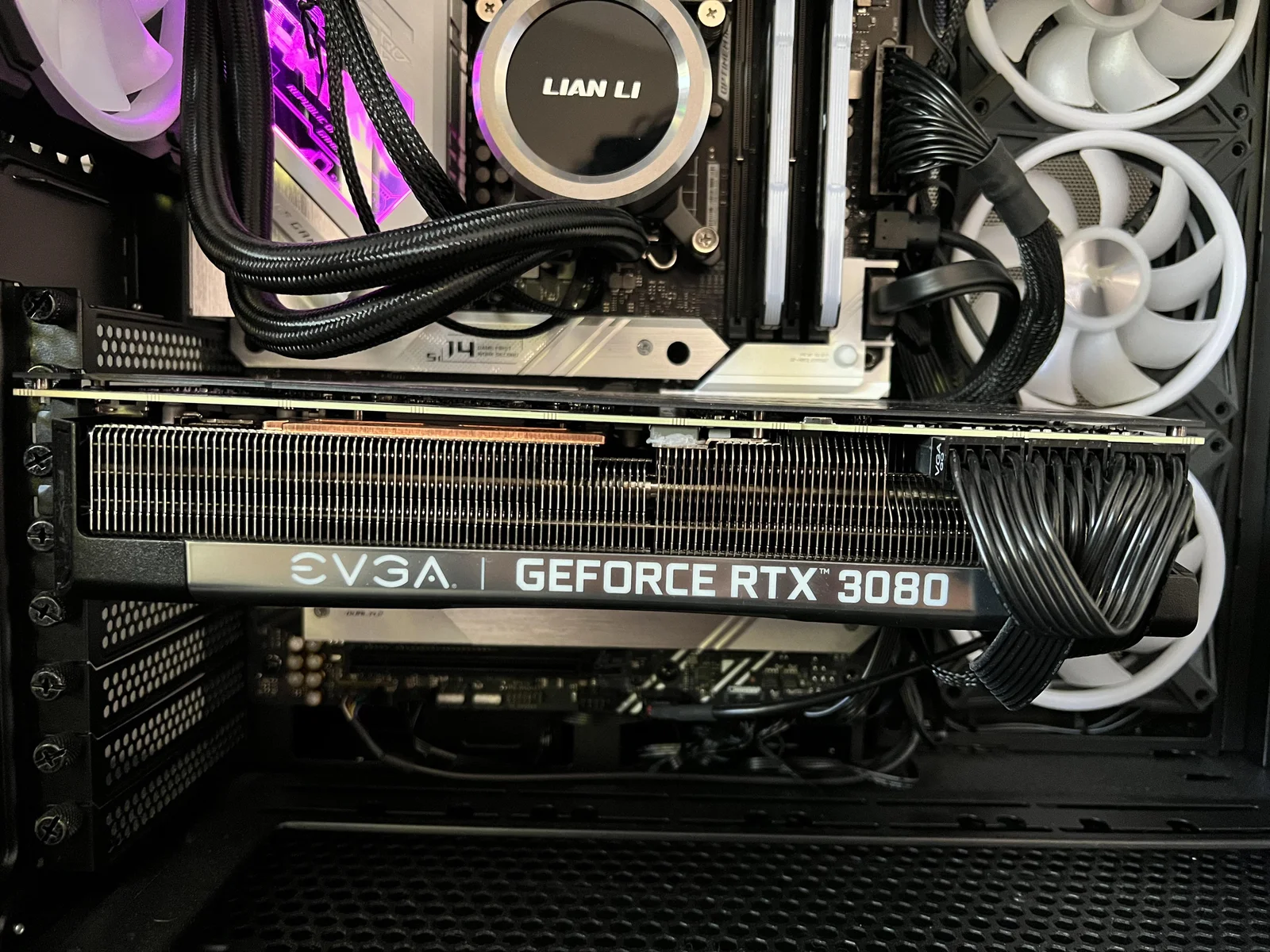
What happens when the card bends
Broken internal connections
The main chips on your graphics card, such as the main processor (GPU) and video memory (VRAM), are attached to the board by thousands of tiny metal solder dots. When the heavy board sags and bends, it pulls and stretches these connections. Eventually, those dots crack under the tension, resulting in glitchy graphics on your monitor, sudden game crashes, or a PC that simply refuses to boot.
Circuit board cracking
The area of the graphics card directly above the PCIe connector takes almost all the weight. Over time, this constant bending can physically snap the main circuit board (PCB) of the GPU. When it cracks, the microscopic internal traces that carry your data are broken, completely killing the card.
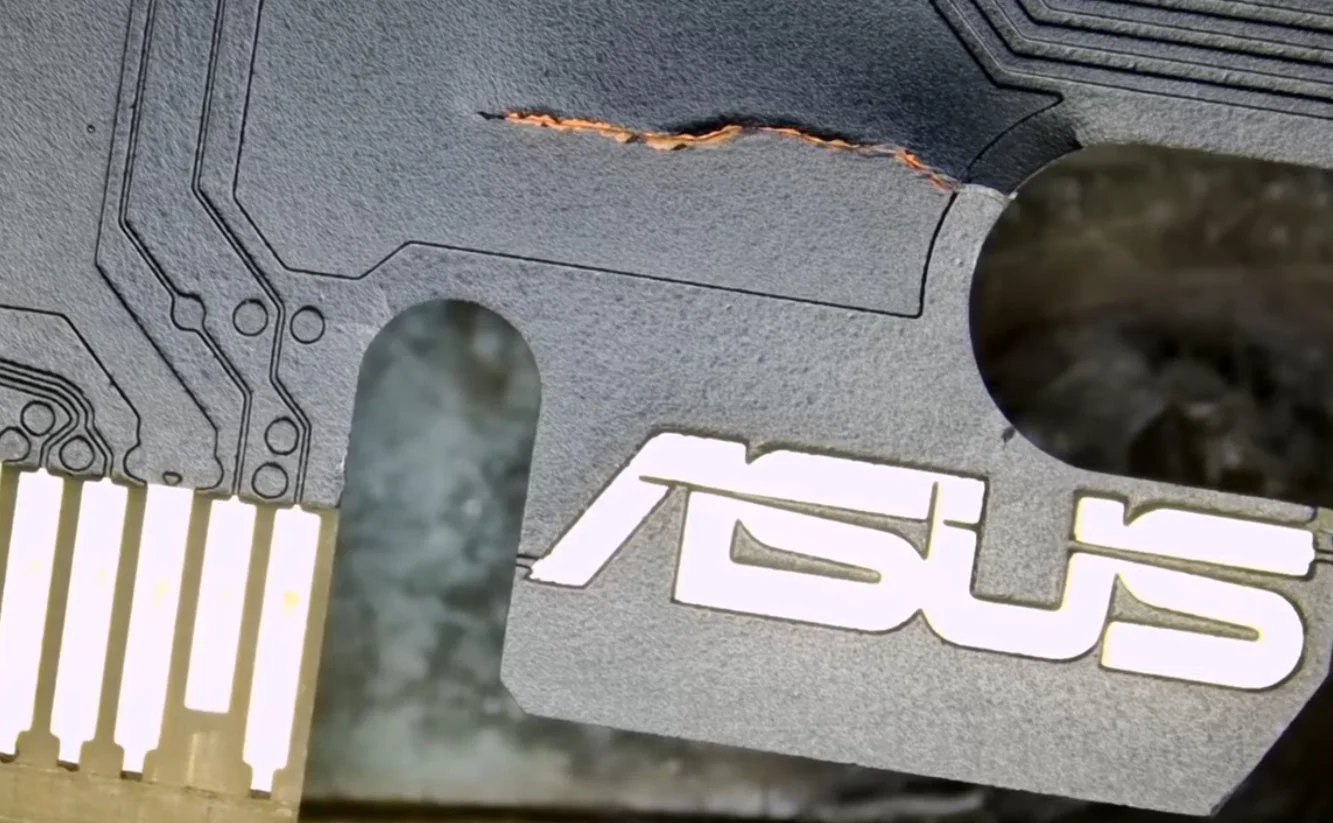
Using a support bracket
How it works
A GPU support bracket (or vertical stand) eliminates the lever effect by introducing a third point of contact. It acts as a pillar, absorbing the overhanging weight and transferring it directly to the bottom of the computer case, ensuring the PCB remains perfectly straight.
These supports can be purchased inexpensively from most online hardware retailers.
Proper placement
To be effective, the support bracket must be placed at the far unanchored corner of the graphics card, the point furthest away from the motherboard and the rear I/O bracket. Adjust the height of the support so that the card is level; do not push the card upward, as this simply reverses the direction of the stress.
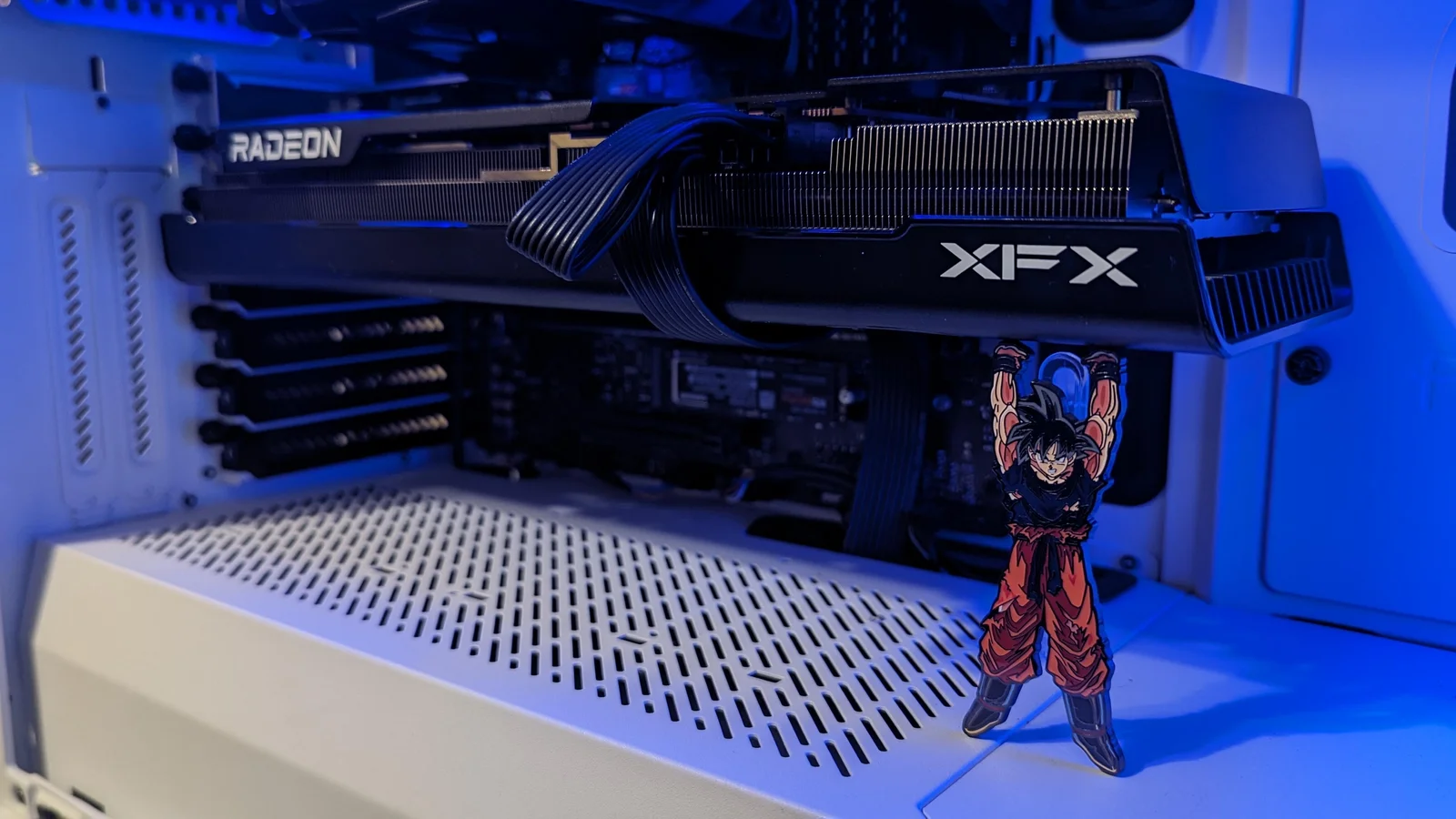
Vertical GPU Mounting
Vertical GPU mounting is also a great option. The card is installed perpendicular to the motherboard on a dedicated bracket and connected via a PCIe extension cable.
Leverage is eliminated: the weight of the card applies force in line with the PCIe slot, preventing the risks mentioned above.
This is particularly suitable for massive cards, or for a card with a repaired cracked PCB.
Not all cases support this type of mounting.
Vertical mounting is not recommended for GPUs using liquid metal as a thermal interface material.
Make sure your graphics card has enough clearance from the side panel to breathe.
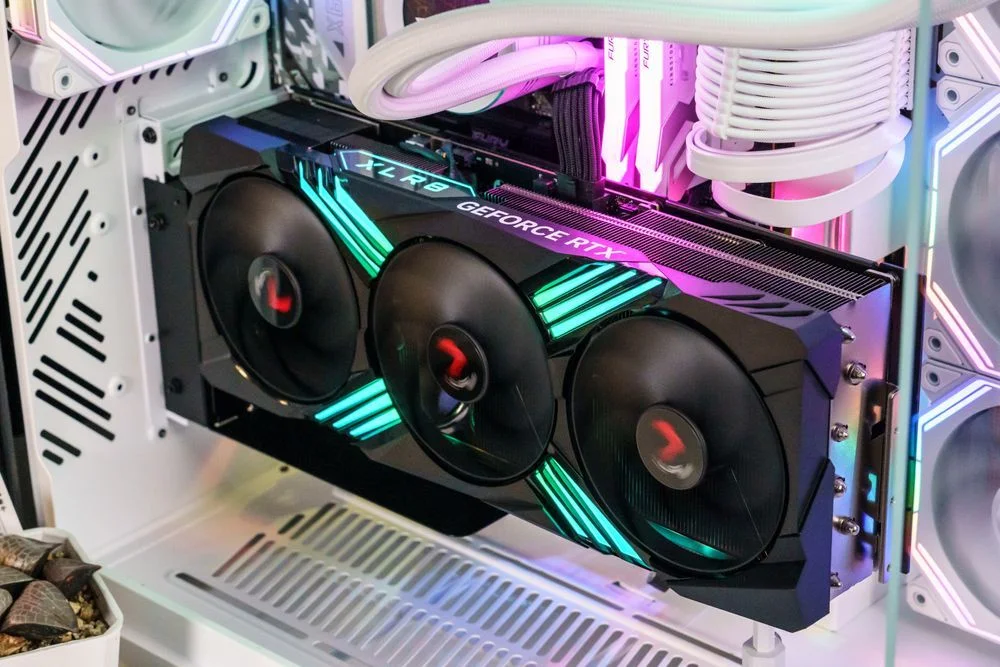
Safe transportation
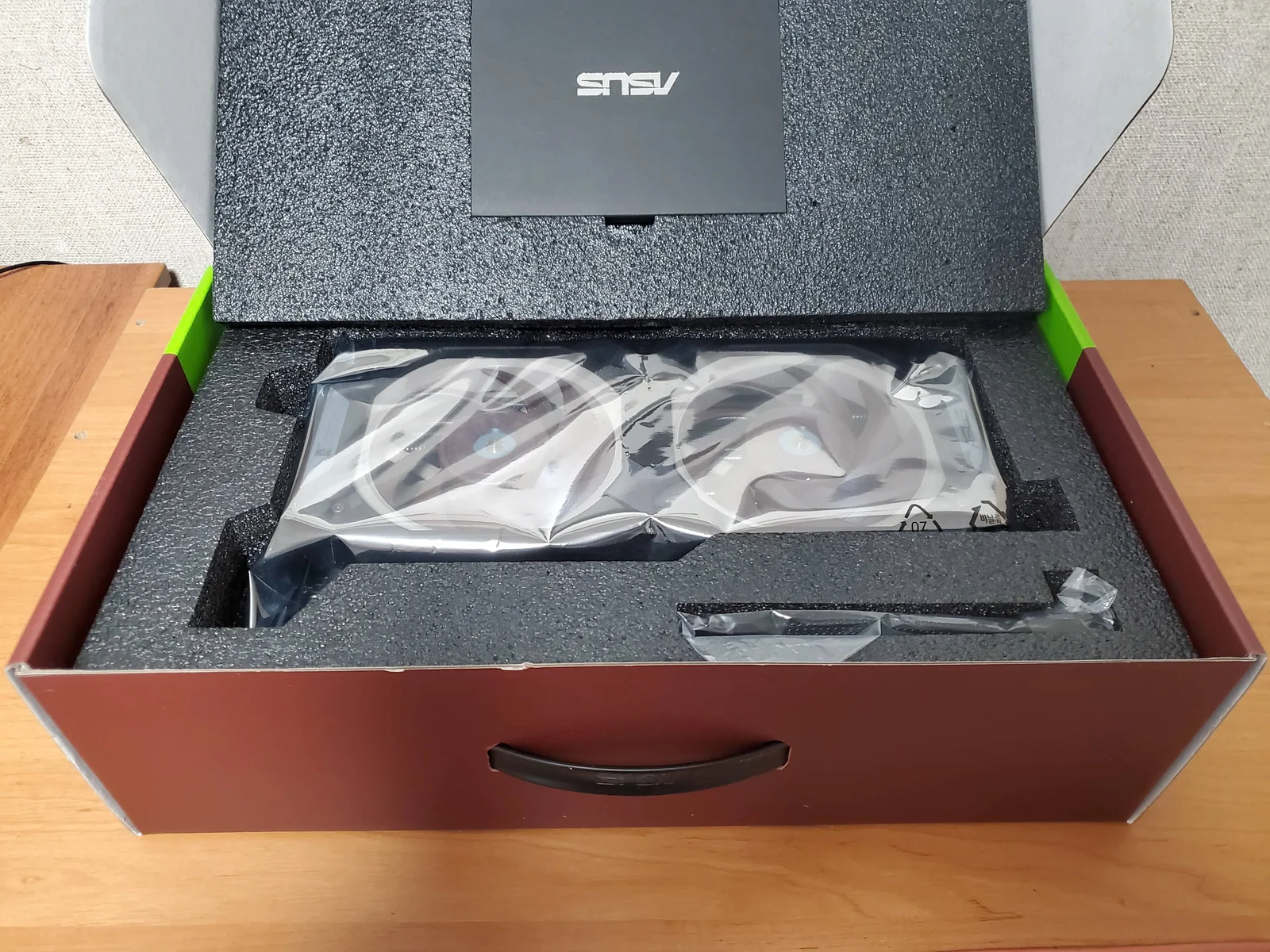
The massive size and weight of modern GPUs create a severe risk during transit that did not exist with older hardware. While a stationary PC might handle the weight with a bracket, moving a built system introduces violent shock and vibration forces.
During a car ride or shipment, a heavy graphics card acts as a weighted lever bouncing inside the chassis. A single bump or drop can instantly snap the PCB or rip out the PCIe slot.
Remove the GPU from the motherboard before transit. Transport the card separately, preferably secured inside its original retail box with the factory foam padding, and reinstall it only once the computer has reached its final destination.